What Time Do New Netflix Releases Drop? Times and Reminders
Netflix originals usually go live at 12:00 a.m. Pacific Time worldwide. Here is what that means in your time zone, which titles follow different rules, and how to set Remind Me alerts.
 Isabel Turner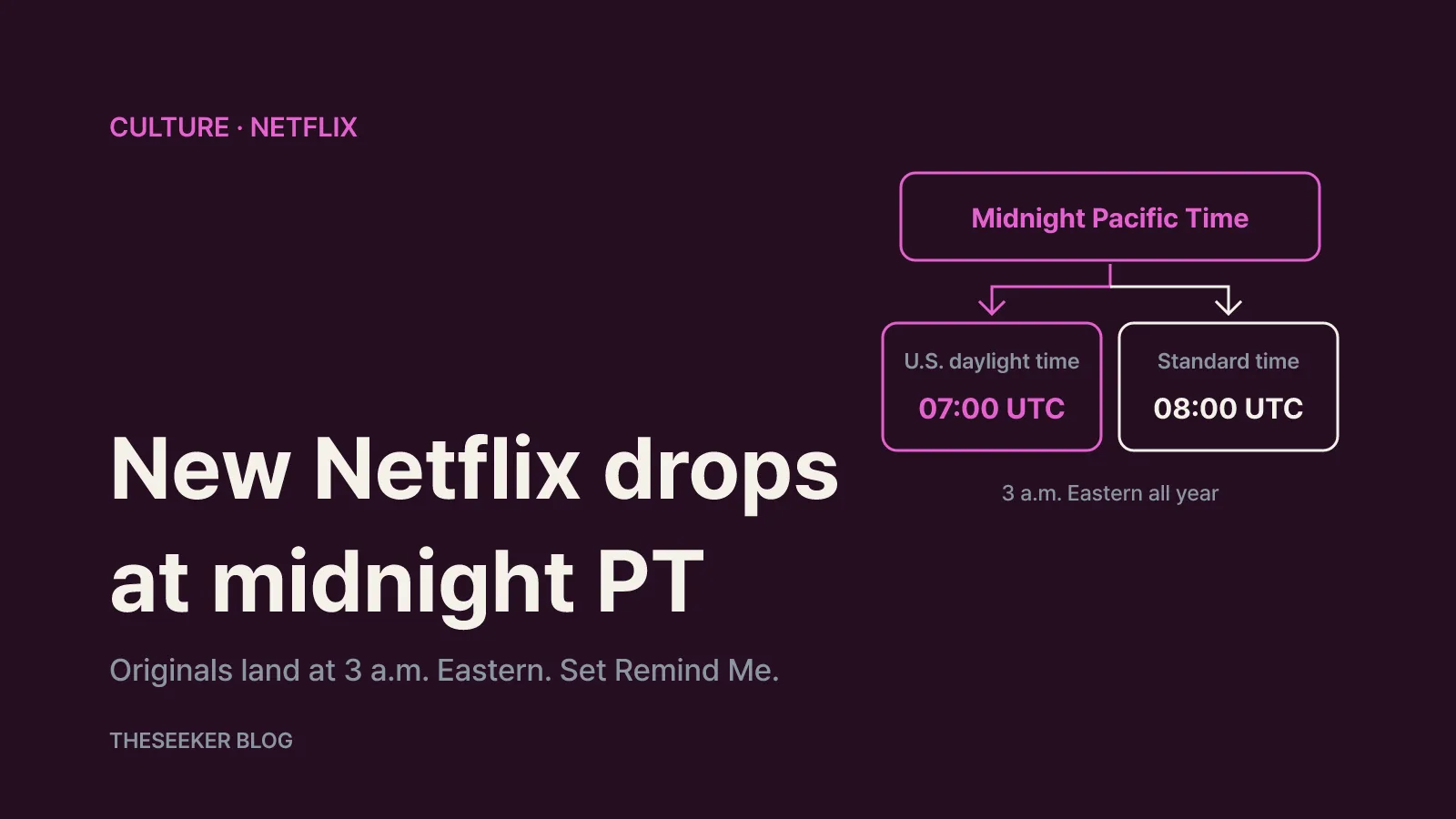
In this post
- The default: midnight Pacific Time for Netflix originals
- Licensed titles and weekly episodes follow different rules
- Where to find upcoming titles and their exact launch times
- How to use Remind Me for upcoming releases
- Not getting the alert? Check your notification settings
- It's release time and the title isn't there
- Sources
- Frequently asked questions
As of October 2026, Netflix's Help Center says its original series and films are typically released globally at 12:00 a.m. Pacific Time (PT). In the continental U.S. that means midnight in the West, 1 a.m. Mountain, 2 a.m. Central and 3 a.m. Eastern on the listed release date. Titles that are not Netflix originals in your country follow a different rule, weekly episodes can arrive on their own schedule, and anything launching at a special time gets its own time on the title page. Below is a breakdown of release times by title type, where to find upcoming titles, and how to make sure the Remind Me alert actually reaches your phone.
The default: midnight Pacific Time for Netflix originals
Netflix's help article When does Netflix release new TV shows and movies? sets the baseline: originals typically go live worldwide at 12:00 a.m. Pacific Time. Everyone gets the title at the same instant, so the local clock time depends on how far you are from California.
Because the anchor is Pacific Time, U.S. daylight saving time matters. According to NIST's daylight saving time rules, DST in 2026 runs from March 8 to November 1 at 2 a.m. local time, and under current rules it starts on the second Sunday of March and ends on the first Sunday of November. During DST, Pacific Time is UTC-7; for the rest of the year it is UTC-8. That gives you a simple reference point:
- During U.S. daylight saving time: midnight PT = 07:00 UTC.
- During standard time: midnight PT = 08:00 UTC.
For most of the U.S. the shift doesn't change anything, because the Eastern, Central and Mountain zones change their clocks on the same day as the Pacific zone. A new original is available at 3 a.m. Eastern all year. The exceptions are places that NIST lists as not observing DST, such as Hawaii and most of Arizona:
- Arizona (MST, no DST): midnight while California is on daylight time, 1 a.m. after it falls back.
- Hawaii (HST): 9 p.m. the evening before during daylight time, 10 p.m. the evening before during standard time.
If you live outside the U.S., convert from the UTC figures above. Viewers in South Korea, for example, see originals at 4 p.m. on the release date during U.S. daylight time and 5 p.m. afterward. For 2026, any release dated November 2 or later follows the standard-time conversion.
Licensed titles and weekly episodes follow different rules
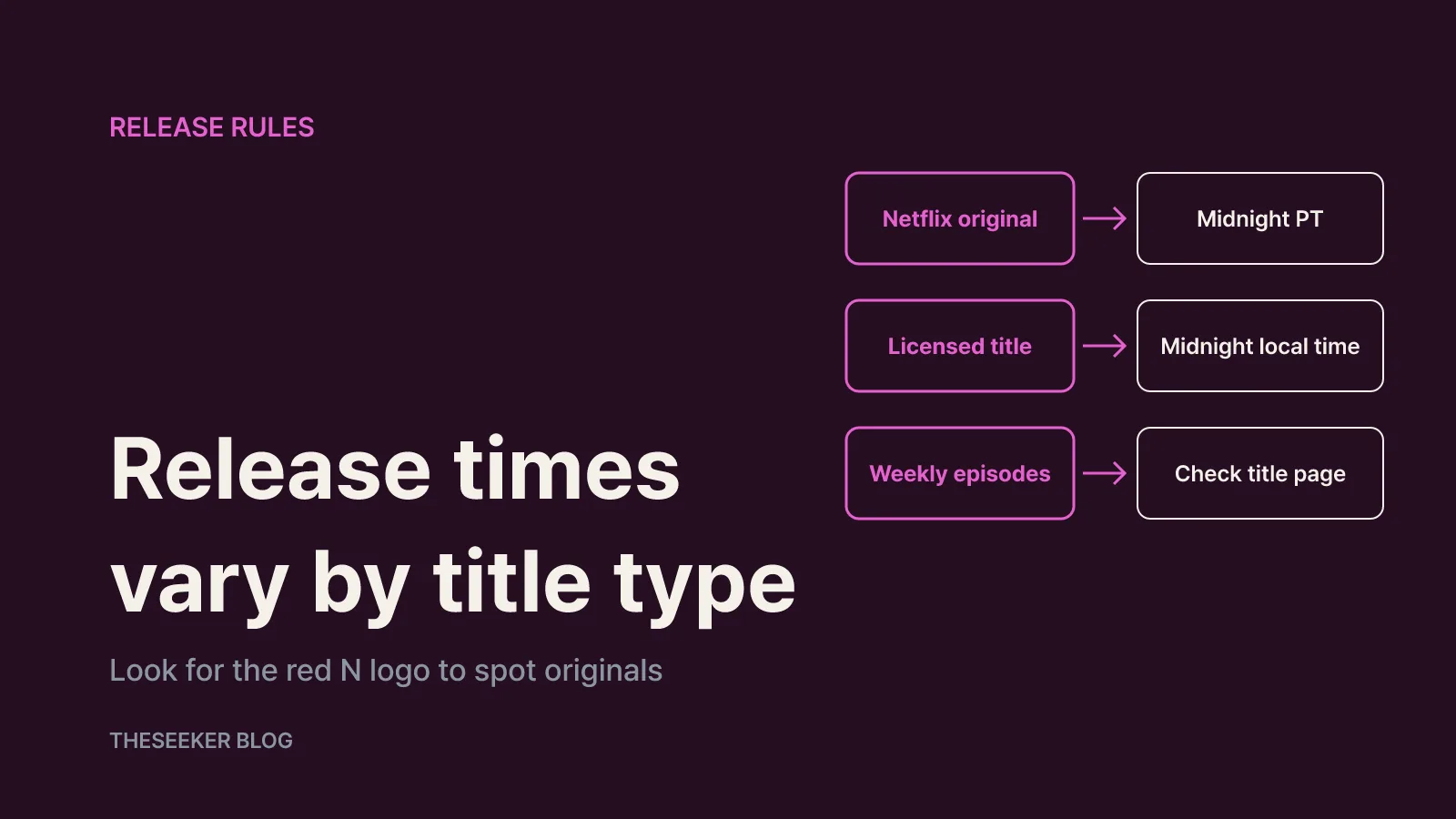
The midnight-PT rule applies to titles that are Netflix originals in your country. Netflix notes that a title can be an original in one country and licensed in another, so the label you see is what counts:
- Original in your country: look for the red “N” or “NETFLIX” logo on the artwork, trailer or details page. Available at 12:00 a.m. Pacific Time.
- Not an original in your country: available at 12:00 a.m. local time.
- Weekly releases or titles following an original broadcast: may vary from both rules.
Netflix's article on missing episodes or seasons explains the weekly cases. Licensed episodes usually land the day or week after they air on their original network, and the exact date, including all subtitle and audio options, can depend on that broadcast schedule. If the original network skips a week, Netflix can't release that episode either. Some reality shows drop a few episodes at a time over several weeks, and some seasons are split into Part 1 and Part 2.
Not sure whether something is an original where you live? Search “Netflix” in the app or visit netflix.com/originals.
Where to find upcoming titles and their exact launch times
Netflix says that if a title is launching at a specific time, it will show that time in the Coming Soon section or on the title's details page. Treat that on-screen time as the final word, especially for anything that doesn't follow the midnight pattern.
Netflix's guide to finding new shows and movies lists several places to keep up:
- In the app: open New & Popular, Latest or New & Hot (the name depends on your device), or scroll to the New on Netflix and Top 10 rows for new, trending and coming-soon titles.
- Online: the New on Netflix page on Netflix's About site lists original titles announced for the current month.
- Social media: Netflix's official accounts post about newly added titles in your region.
- Email: opt in to the What you watch or Watch recommendations & more emails for new additions and personalized suggestions.
If you are tracking new Netflix series or movies in a particular genre, the most reliable method is to browse Coming Soon in the app and set a reminder on each title you care about. Release dates can move, so trust the date in the app over a list you found elsewhere.
How to use Remind Me for upcoming releases
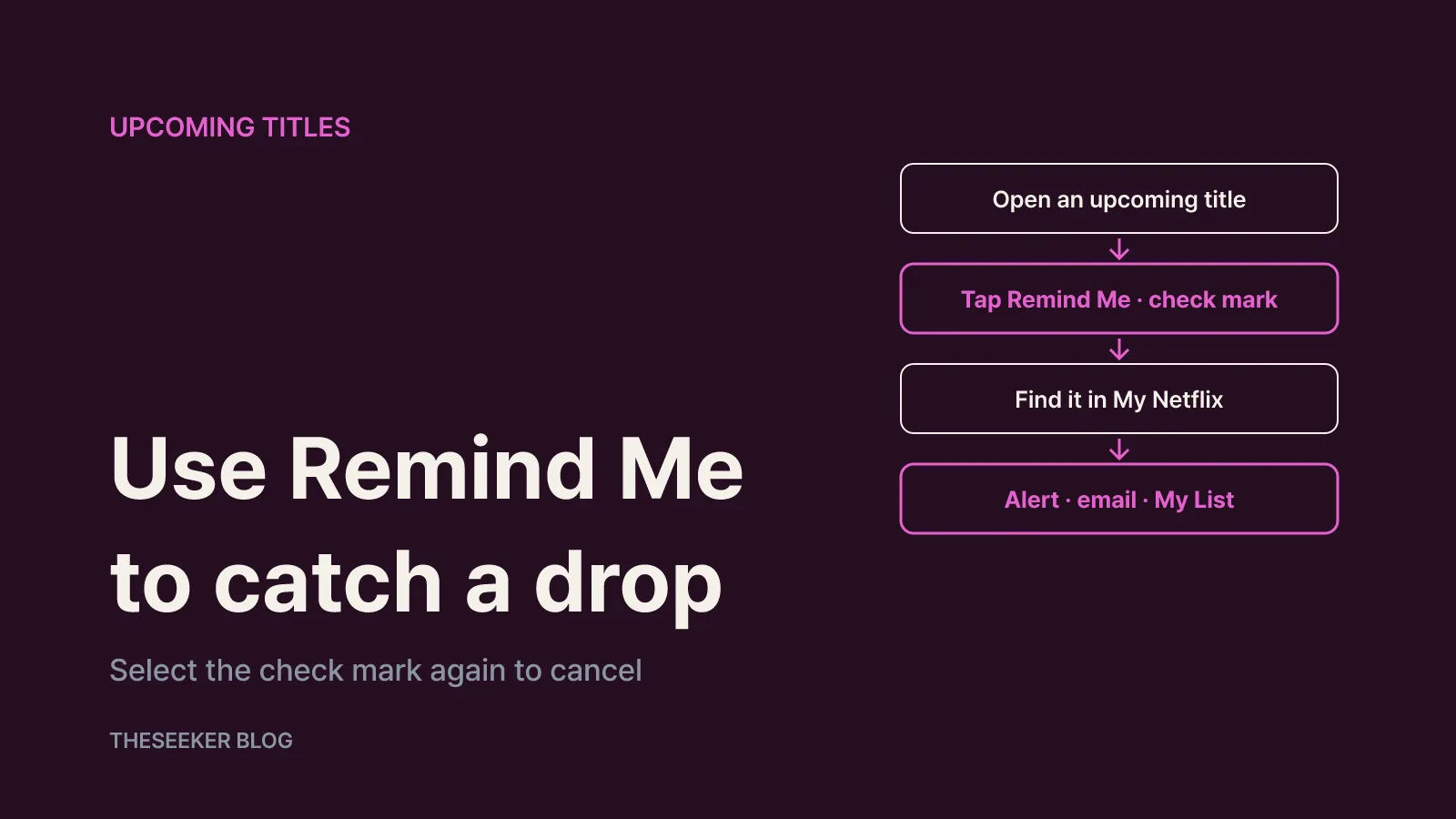
Per Netflix's reminder help article, upcoming titles with a future release date may show a Remind Me option. The process looks like this:
- Open the upcoming title from Coming Soon or search.
- Select Remind Me. It turns into a check mark.
- On a TV or mobile device, find all your reminders in the Reminders You've Set row in My Netflix.
- You can also search for a title to confirm a reminder is on.
When the title becomes available, you may see a notification on Netflix, receive an email, and the title also appears in My List. To cancel, select the check mark again.
Release dates do slip. Netflix says delays in video production or finalizing licensing contracts can change a date. If that happens, the title reappears once a new release date is set, and if you had a reminder, it shows up in My List when it launches.
Not getting the alert? Check your notification settings
A reminder only helps if notifications can reach you. Netflix's app notification instructions break this into device and profile settings:
- iPhone or iPad: Settings → Notifications → Netflix → turn on Allow Notifications.
- Android phone or tablet: open the Netflix app → tap My Netflix (bottom right) → tap your profile name at the top → App Settings → turn on Allow notifications.
- Per-profile categories (web browser): sign in to the profile, go to Account → Profiles → choose the profile → Notification settings → Manage push notifications.
The categories most relevant to new releases are What you watch (new seasons and episodes, titles leaving soon, your collections) and Watch recommendations & more (Top 10, new content, popular titles). Choices are set separately for each adult profile, so on a shared account, make sure you changed your own profile rather than someone else's.
It's release time and the title isn't there
If the clock has passed the expected time and you can't find the show, work through these checks:
- Refresh: Netflix says you may need to refresh your browser, reload the app, or restart your device and relaunch Netflix to see a newly released title.
- Check the label: no red N means it may be a licensed title releasing at midnight local time instead.
- Check for weekly scheduling: broadcast-linked episodes can arrive a day or a week after airing.
- Check for a date change: look at the details page and your Reminders You've Set row.
- Check the DST calendar: outside the U.S., your local release hour moves by one hour when U.S. clocks change.
In short: originals drop at midnight Pacific Time (3 a.m. Eastern), licensed titles at midnight local time, and weekly episodes follow whatever the title page says. Tap Remind Me on the titles you want, allow Netflix notifications on your phone, and keep the What you watch category switched on.
Sources
- When does Netflix release new TV shows and movies? | Netflix Help Center
- How to find out about new shows and movies on Netflix | Netflix Help Center
- 공개 예정인 시리즈 또는 영화에 대한 알림을 받는 방법 | 넷플릭스 고객 센터
- How to be reminded of upcoming TV shows or movies | Netflix Help Center
- 넷플릭스 앱 알림 설정을 켜거나 끄는 방법 | 넷플릭스 고객 센터
- A TV show is missing episodes or seasons | Netflix Help Center
- Daylight Saving Time Rules | NIST
Frequently asked questions
What time do new Netflix shows come out?
Netflix originals are typically released at 12:00 a.m. Pacific Time, which is 3 a.m. Eastern. Titles that are not originals in your country release at 12:00 a.m. local time.
Does daylight saving time change Netflix release times?
The Pacific Time anchor stays at midnight, so most U.S. viewers see no change. Places without DST, such as Arizona and Hawaii, and viewers outside the U.S. see their local release hour shift by one hour when U.S. clocks change.
What happens after I tap Remind Me?
The title appears in the Reminders You've Set row in My Netflix. When it becomes available, you may get an in-app notification and an email, and it is added to My List.
How do I cancel a Netflix reminder?
Open the title and select the check mark that replaced Remind Me. You will no longer be reminded when the title becomes available.
Why are only some episodes of a show available?
Some titles release on a rolling schedule: licensed episodes follow their original broadcast, some reality shows drop a few episodes at a time, and some seasons are split into parts.
blog.theseeker.io/en/posts/netflix-new-release-time-and-reminders
Isabel Turner
Isabel covers books, films, series, exhibitions and things to do, confirming release dates and how to watch or attend through official listings.
Read our editorial standards