Korea Recycling Rules by Item: Official Sites and Apps
Not sure which bin something goes in? Here is how to use Korea's official waste-sorting website, the government recycling app and the free e-waste pickup service, step by step.
 Emma Collins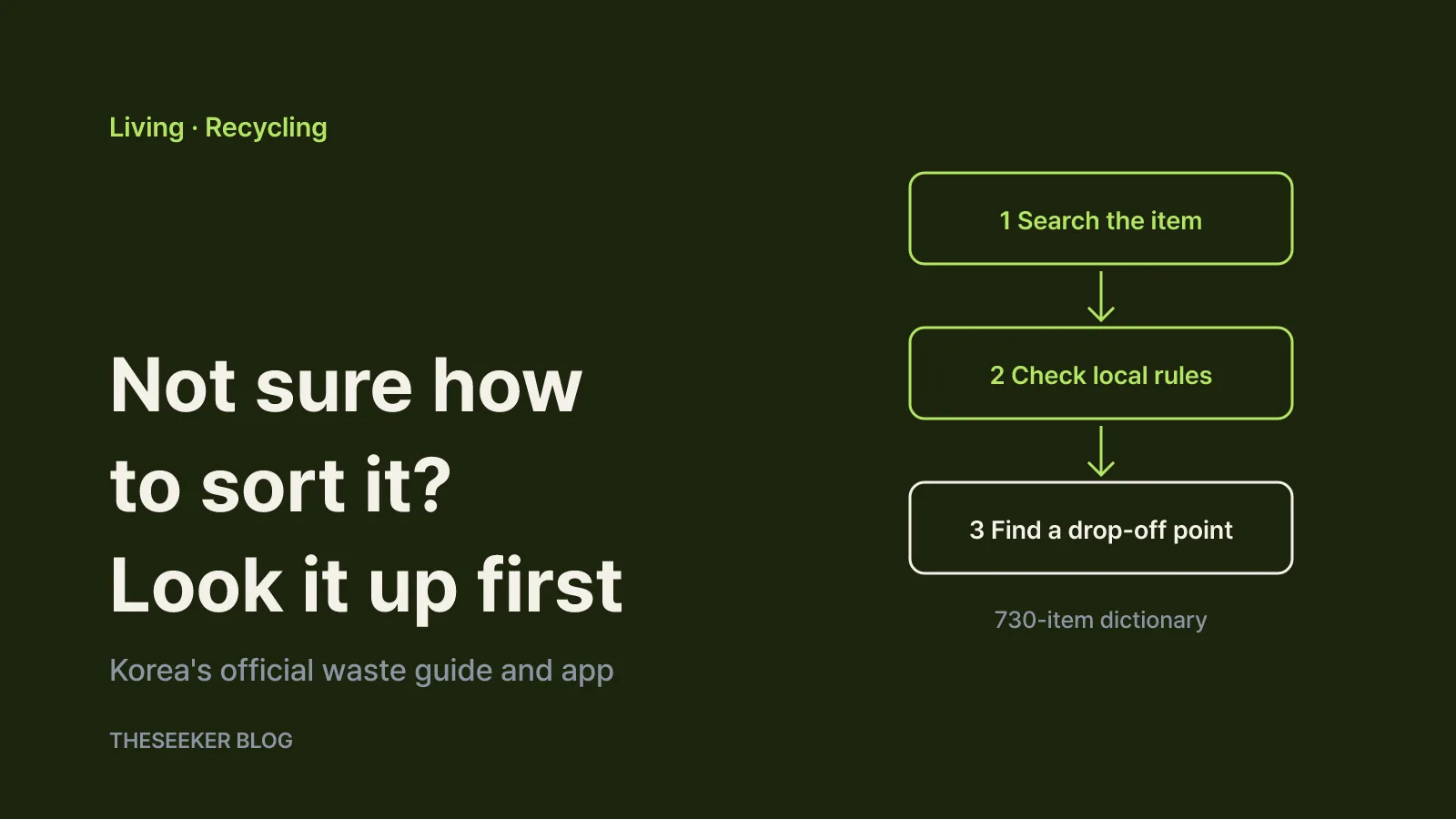
In this post
As of October 2026, the quickest way to find out how to throw away a specific item in Korea is the government's Household Waste Separation website at wasteguide.or.kr (the Korean-language address 분리배출.kr points to the same service). Type the item's name and you get its waste category, the disposal method, cautions, your district's local rules and a map of nearby collection points. For quick checks on your phone, add the free government app "내손안의 분리배출" ("Recycling in My Hand"). For heavy appliances such as fridges and washing machines, there is a separate free home pickup service you can book online or by calling 1599-0903.
This guide focuses on where to look and how to read the results, rather than the rules for any single item. That matters in Korea because sorting rules can differ from one city or district to another, so the last step is always to confirm the local rule.
Which tool to open first
The three services overlap a little, but each one has a clear job:
← Swipe to see more
| Tool | Run by | Best for | Open it when |
|---|---|---|---|
| Household Waste Separation website | Ministry of Climate, Energy and Environment (launched by the then Ministry of Environment) | Item dictionary, local district rules, maps of bins and bag shops | You have an unfamiliar item or need your district's rule |
| "내손안의 분리배출" app | Ministry of Environment with Korea Environment Corporation and two packaging recycling bodies | Material-by-material basics, FAQ, item search, Q&A | You want a fast refresher right before taking out the trash |
| Free e-waste home pickup | E-cycle Governance | Booking a visit to collect large appliances | You need to get rid of a heavy appliance |
According to the ministry's September 2025 announcement, the website launched with disposal guidance for 730 everyday items, and its introduction page says the dictionary is planned to grow to 1,500 items. The app has been around since 2018 and is better for scanning core rules than for local details.
One practical note for non-Korean speakers: both the website and the app are in Korean. Searching with the Korean item name or material (for example, the word for "power bank" or "metal") works best, and a camera translation app makes the result pages easy to follow.
How to search an item on the waste guide website
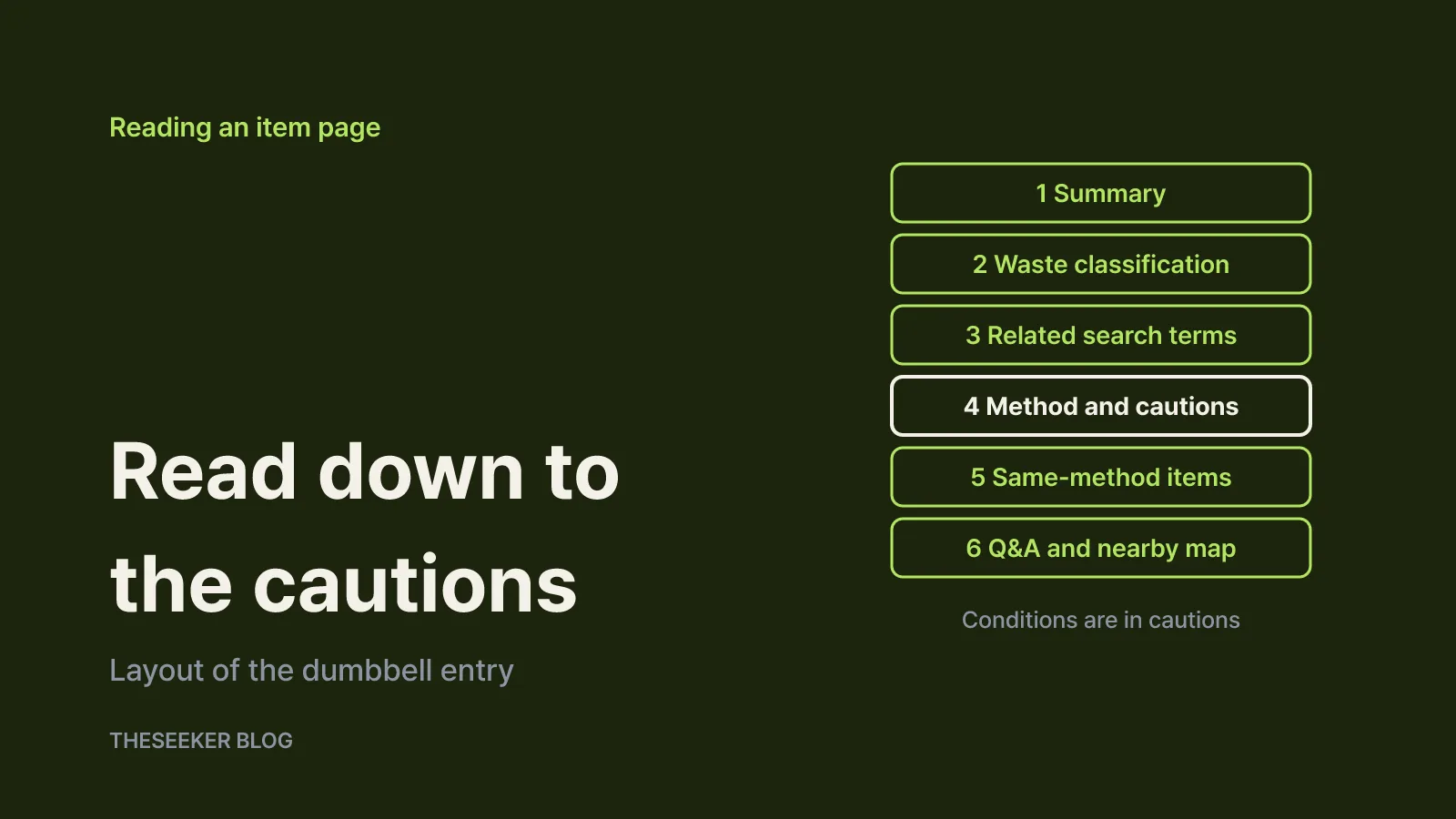
Enter an item in the search box at the top of the site. Using the real dictionary entry for dumbbells as an example, a result page is laid out in this order:
- Summary at the top. A short instruction for each category. Dumbbells show two routes: small ones go out as scrap metal, large ones as bulky waste.
- Waste classification. A path such as "recyclable waste > metals > scrap metal". Knowing the category helps with similar items later.
- Related search terms. Alternative names for the same thing. If your first search fails, try one of these.
- Disposal method, characteristics and cautions. How to put it out, why it is classified that way and which parts to separate. For dumbbells, the bar and plates should be separated first.
- Items with the same method. Other things that follow the same route.
- Q&A cases and nearby drop-off points. Related questions from the public and a location map.
Read all the way down to the cautions section. Size, mixed materials or contamination often change the route, and those conditions are spelled out there rather than in the summary. If the item is missing altogether, try a related term, then use the "suggest an item" form at the bottom of the page. The site also runs a public Q&A board for disposal questions.
Check your district's rules and the nearest drop-off point
Every dictionary page carries the same reminder: methods can vary by region, and where the local government has set a rule, follow it. So the next step after an item search is your district's rule.
- Local disposal methods: choose your province or city and district to see that local government's household waste rules, including collection days. The site describes this as pulling together the waste guidance published on district websites nationwide.
- By housing type: separate guidance for detached houses, apartment complexes, officetels and commercial buildings, and fixed or mobile shared collection points.
- Drop-off map: recycling points, reverse vending machines (clear PET bottles, metal cans, paper cartons), exchange points, and collection boxes for small appliances, batteries, fluorescent lamps, clothing, used cooking oil and unused medicines, plus food waste RFID bins and other items such as household hazardous waste, ice packs and e-mobility devices like electric scooters.
- Menus for shops that sell volume-rate garbage bags, local ordinances and the fine schedule are also on the site.
The ministry's own example is a power bank: search for it and the site tells you to use a battery collection box and shows the nearest ones on the map. For items that are collected separately, "where" matters as much as "how", so always check the map.
One caution from the site itself: drop-off points located inside apartment complexes may not be open to people who do not live there. If a box looks close but sits inside a complex, check before you go. You can report outdated locations through the map's correction form.
Using the "내손안의 분리배출" app
Search "분리배출" or "내손안의 분리배출" on Google Play or the App Store; the app is free. It was released in 2018 by the Ministry of Environment together with the Korea Environment Corporation, the Korea Packaging Recycling Mutual Aid Cooperative and the Korea Resource Circulation Service Agency.
A 2025 article on Korea.kr, the government policy news portal, describes the main menus:
- Sorting tips: eight material groups - paper and cartons, metal cans and scrap, glass bottles, plastic containers, plastic film, styrofoam, ice packs and batteries - each with illustrated, situation-specific steps.
- FAQ: short answers on tricky items such as receipts, coated paper and crystal glass.
- Item search: look up an item directly or browse by category.
- Q&A board and library: ask questions and download guidebooks.
The app is built around four basic principles: empty it, rinse it, separate it and don't mix it. Keep in mind that the app gives nationwide basics, so for collection days and locations, confirm with the website's local section or your district office.
Bulky items and large appliances
If a result says bulky waste, it does not go in the regular recycling area. Each district runs its own bulky waste process, and the reporting method and fee vary, so check the local section of the website or your district office's website.
For heavy appliances, look at the free home pickup run by E-cycle Governance. Its main page says that if you are not buying a new product and need to dispose of a heavy appliance, you can apply online or by phone and a collection manager will visit your home on the booked date. Before booking:
- Check coverage with the area lookup under the reservation menu.
- Choose a channel: online or mobile booking, or the call center at 1599-0903, open weekdays 8 a.m. to 6 p.m. with a noon-to-1 p.m. break and closed on weekends and public holidays.
- Read the FAQ for your situation. It covers questions such as stair-only access, broken or damaged items, exercise equipment, motorized furniture and fees.
- Manage the booking: view, change or cancel it, and request a collection certificate, from the same menu.
For small electronics and batteries, the drop-off map on the waste guide website is usually faster.
When you still cannot find an answer
- Search again with a different name. Use the generic name or the material instead of a brand, and try the related search terms.
- Reason from the category. Look at how similar items are classified and compare them with the size and material conditions in the cautions.
- Confirm the local rule. Check the local disposal and ordinance menus, then ask your district's sanitation department or community service center if it is still unclear.
- Ask in public. Post on the website's Q&A or the app's Q&A board, and suggest missing items for the dictionary.
Once you have solved an item, save a note on your phone in the form "item - route - location" so you never need to search for it again. The site is a responsive web service, and its introduction page suggests adding it to your phone's home screen so it opens like an app. It also has adjustable text size and audio support.
Sources
Frequently asked questions
Is there an official website to check how to sort a specific item in Korea?
Yes. The Household Waste Separation website (wasteguide.or.kr, also reachable at 분리배출.kr) opened in September 2025. Its item dictionary shows the waste category, disposal method, cautions, local district rules and nearby drop-off points.
Can I search the site in English?
The site and its item names are in Korean. Search with the Korean name of the item or its material; a phone camera translation app can help you read the result page.
What if the website and my district's rules differ?
Every item page notes that methods can vary by region and that your local government's rules take priority. Check the local district section or your district office's guidance.
How do I get rid of a fridge or washing machine?
If you are not buying a replacement, you can book the free home pickup run by E-cycle Governance online at 15990903.or.kr or by calling 1599-0903 on weekdays. Check the area lookup first to confirm your address is covered.
Where do I put power banks and batteries?
The ministry's own example: search for a power bank and the site tells you to use a battery collection box, then shows the nearest boxes on a map.
blog.theseeker.io/en/posts/korea-recycling-lookup-sites-apps-guide
Emma Collins
Emma covers paperwork, procedures and practical tips for daily life, checking agency guidance to lay out what to prepare and in what order.
Read our editorial standards