Which Streaming Service Has That Drama? Find It in Korea
A three-step way to find where a show is streaming in Korea: search an aggregator, confirm in the official app, then check arrival and leaving dates.
 Isabel Turner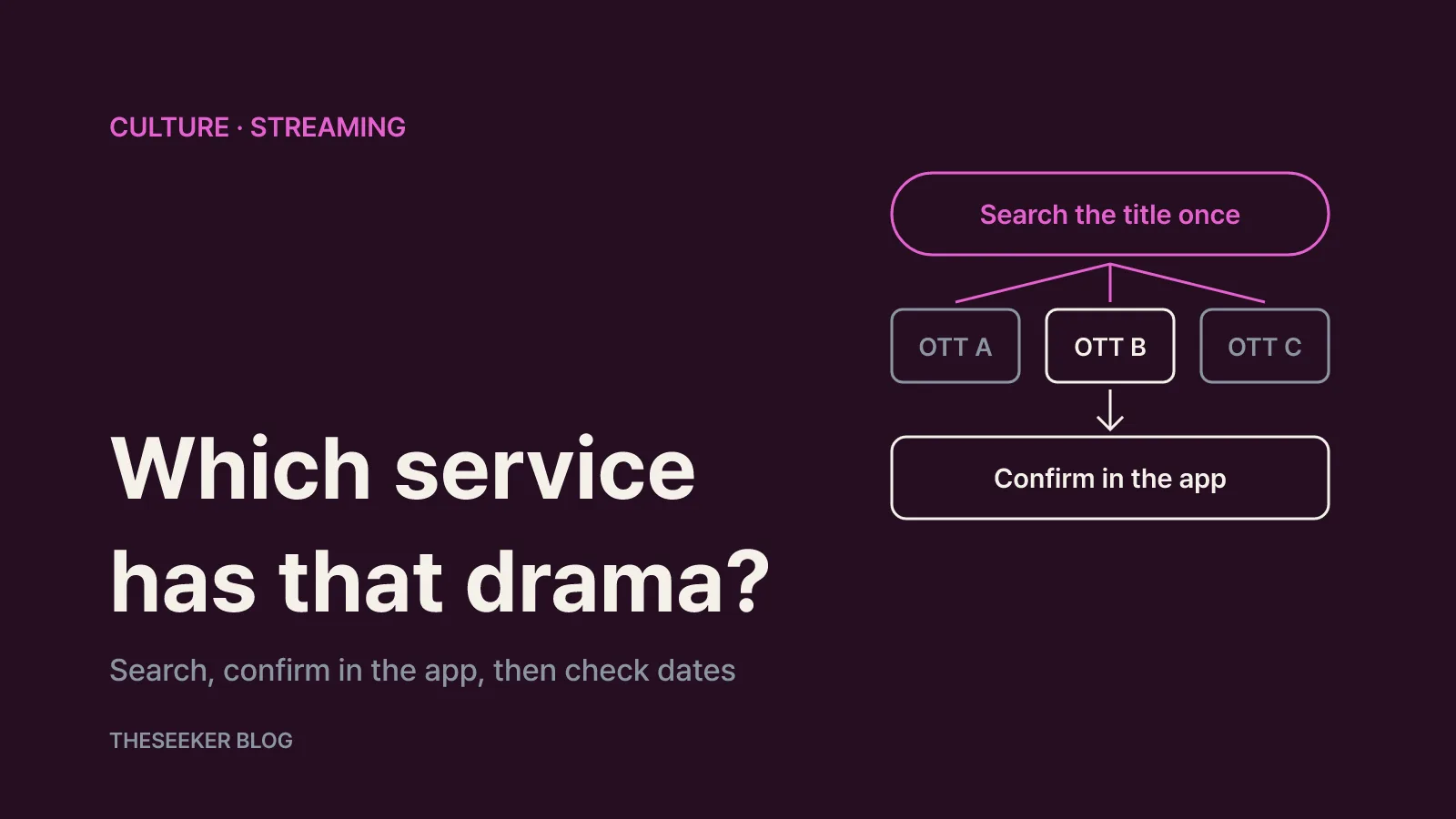
In this post
As of October 2026, the quickest way to find out which streaming service in Korea carries a particular drama is to look the title up on a streaming search engine such as JustWatch or Kinolights, then search for the same title inside the app that the result points to. The aggregator narrows the field across many services at once; the official app confirms that the show actually plays on your account today. Add a quick look at the coming-soon and leaving-soon lists, and you will also know when to start or pause a subscription.
This matters because the Korean market is split across several services. Netflix, TVING, Coupang Play, Wavve, Disney+ and Watcha all compete for local and international titles, so a recommendation list rarely tells you where to press play. This guide skips the recommendations and focuses on a repeatable method you can use for any show, whether it is a new K-drama, a period drama or a Chinese series.
Start with a streaming search engine
A streaming search engine collects catalogues from multiple services so you can search them in one place. Without one, you would have to open each app separately, and services you don't subscribe to often make it hard to browse before you sign in or pay.
JustWatch's Korea page describes itself as a search engine for streaming video. You can pick the services you use to see their catalogues, then filter by release year, genre, price, rating and age rating. Most importantly, searching for a specific film, drama or variety show lists the sites where you can watch it legally. When I checked the Korean page in October 2026, its service ranking included Netflix, Amazon Prime Video, Apple TV, Disney Plus and wavve, and it had a separate list of upcoming shows.
Kinolights is built around the Korean market. At the same check, its home screen had ranking tabs for Netflix, TVING, Coupang Play, Wavve, Disney+ and Watcha, "watch now" and "save" buttons on each title, and dedicated sections for titles leaving or arriving soon and for exclusives on each subscription service. The interface is in Korean, but title posters and service logos make it usable even if you read only a little Hangul. A practical split is to use Kinolights for local services and JustWatch when you also want international services or rental and purchase options.
Neither tool is run by the streaming services themselves, so coverage and update timing differ. Treat an aggregator result as a shortlist of likely homes for the show, not the final word. And if a title doesn't appear in one tool, try the other before concluding it isn't streaming anywhere.
A three-step routine for finding any show
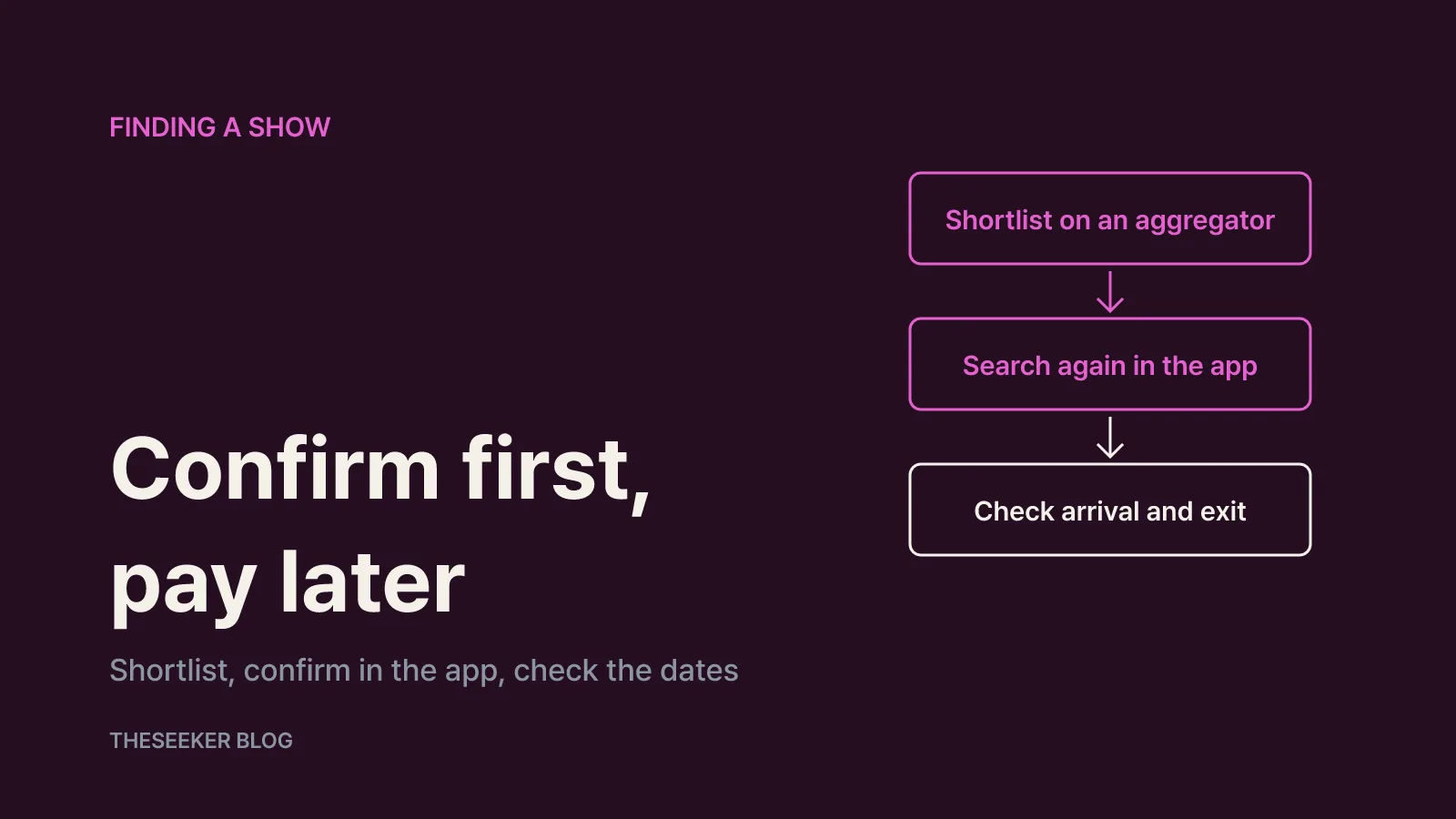
Here is the routine that works for a single title:
- Search the title on an aggregator. Try the English title, then the original Korean title, then variations in spacing or romanization. International releases often use a different title from the Korean broadcast name. If a film, a series and a remake share the same name, use the release year and cast to pick the right one.
- Search again in the official app. Open the service the aggregator suggested and search there. If you already subscribe, open the title's detail page and check that every season and episode is listed. Sometimes season one sits on one service while later seasons live elsewhere.
- Check the schedule. If the show hasn't premiered yet, find it in the coming-soon list and set a reminder. If it is already available, see whether it appears in a leaving-soon list so you can plan a binge before it goes.
The point of this order is that you never pay for a service before confirming it has what you want. Build the shortlist first, confirm in the app second, and decide on a subscription last.
The same approach works when you only know a genre. If you want a historical drama but have no title in mind, filter the aggregator by genre and select only the services you already pay for. Pick something from that list, then move on to step two. You end up choosing from what your current subscriptions already include.
Reading the results correctly
Aggregator results usually show how a title is offered, not just which logo carries it. Separate three cases: included with a subscription, available to rent or buy per title or episode, and free to watch. JustWatch's Korean page has a price filter and marks free titles, which helps you tell these apart. The same show can be included in one subscription and cost extra on another service.
Region matters just as much. Netflix's help centre explains why a title may not be available in your country: regional popularity, multiple rights holders, and exclusivity deals with other streaming platforms. Even Netflix originals, for which Netflix usually holds worldwide rights, can be missing in a region if the title was made before Netflix could secure exclusive rights or if another company holds the rights there. That is why a show that friends overseas watch on Netflix may not be on Netflix in Korea, and vice versa. Make sure your aggregator is set to Korea, not your home country.
Finally, watch for season-level differences. If results are shown only at the show level, it can be hard to tell whether every season is included. When in doubt, confirm in the official app.
Why shows disappear or don't show up
If a drama you were watching suddenly vanishes, licensing is the usual reason. Netflix's help centre explains why titles leave Netflix: it licenses titles from studios worldwide, and when a licence expires it weighs whether the rights are still available, how popular the title is in the region, and how much it costs. Titles that aren't renewed come with advance notice before they leave.
Licensed titles such as broadcaster dramas and imported series can move to a different service when a deal ends. So rely on a fresh search rather than on memory of where you watched something last year.
Other reasons a title may not appear include a different localized title, a profile maturity setting that hides it, or the fact that it hasn't premiered yet. Search again using the original title, try another profile, and check the coming-soon list.
Keeping track of arrivals and departures
For an upcoming drama, use each service's coming-soon area. According to Netflix's guide on finding new shows and movies, the New & Hot, New & Popular or Latest section (the name depends on your device), along with the New on Netflix and Top 10 rows, shows titles that are new, trending or coming soon. You can set a reminder for an upcoming title, and on phones and tablets you can opt in to push notifications and emails about new additions. If something isn't on Netflix, you can also submit a title request.
On the aggregator side, Kinolights' leaving and arriving list and JustWatch's upcoming shows list do the same job across multiple services. If you rotate subscriptions month to month, these cross-service lists are more efficient than checking each app. Plan a binge before a leaving date, and start a subscription the week a show you've been waiting for arrives.
Final checks before you subscribe
Once the aggregator and the official app agree, run through this list before paying:
- Are all seasons and episodes available on that service?
- Is it included in the subscription, or is it a separate rental or purchase?
- Are the subtitle or dubbing options you need available?
- Is the title on a leaving-soon list?
- Is it also on a service you already pay for?
The last point is easy to overlook. When an aggregator lists several services, check whether one you already subscribe to is among them before signing up for another. It is not unusual for the same show to stream in more than one place.
In short: shortlist with an aggregator, confirm in the official app, and check the schedule before you commit. Make that a habit and you'll spend less time hopping between apps and less money on subscriptions you don't need.
Sources
Frequently asked questions
Is there one place to see which streaming service has a show in Korea?
Streaming search engines such as JustWatch (set to Korea) and Kinolights list the services that carry a title. Coverage and update timing vary, so confirm by searching for the title in the official app before subscribing.
Why isn't a show that's on Netflix abroad available on Netflix in Korea?
Netflix says catalogues differ by country because of regional popularity, multiple rights holders and exclusivity deals with other platforms. Some originals are also unavailable in certain regions if another company holds local rights.
A drama I was watching disappeared. Can I still watch it?
It most likely left because a licence expired. Search for it again on an aggregator to see whether it moved to another service or is available to rent or buy.
Where can I see upcoming dramas?
On Netflix, check New & Hot, New & Popular or Latest, depending on your device, and set a reminder. For several services at once, use Kinolights' arriving and leaving list or JustWatch's upcoming shows.
blog.theseeker.io/en/posts/find-which-ott-streams-a-drama-korea
Isabel Turner
Isabel covers books, films, series, exhibitions and things to do, confirming release dates and how to watch or attend through official listings.
Read our editorial standards